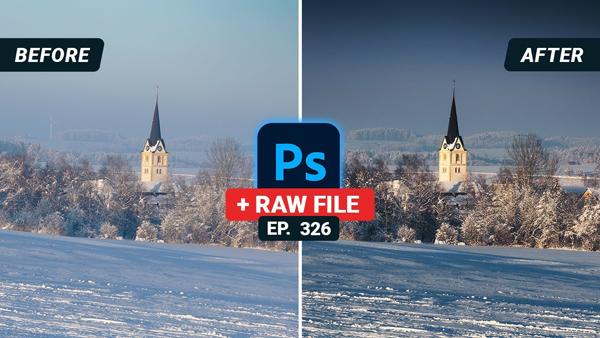
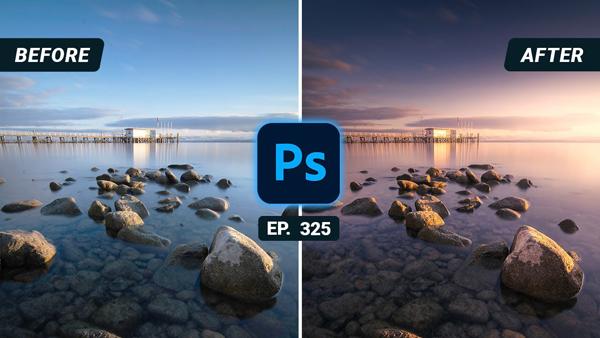
Everyone seems to have their own approach to editing images in Photoshop, and some are more complex than others. But if you’re looking for a simple technique that will make a big difference in your results, this tutorial is for you.
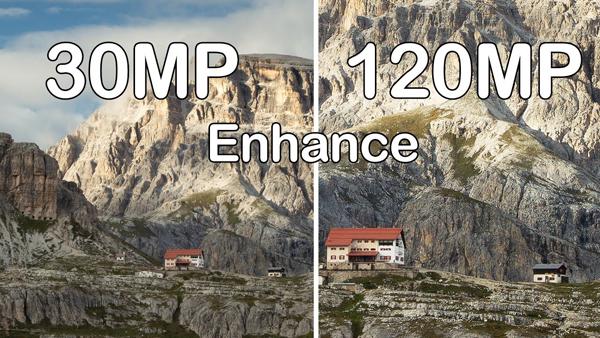
A couple weeks ago we brought you some breaking news about a Super Resolution feature in Adobe Camera Raw that effectively quadruples the size of an image. Our take was that this capability would be particularly useful for those using older cameras with a lower pixel count, thereby enabling some cropping while still ending up with a relatively large file.
(Editor’s Note: Exploring Light is a monthly Shutterbug column featuring tips, tricks, and photo advice from professional photographers in Canon Explorers of Light education program. This month's column is by Susan Stripling on how to remain creative during the Pandemic.)
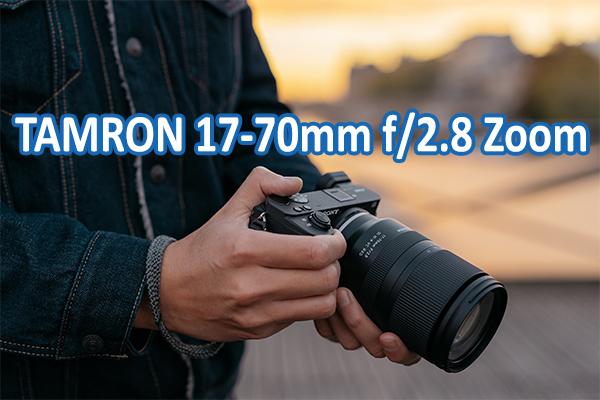
Tamron just announced the world’s first f/2.8 lens in the 17-70mm zoom range for Sony mirrorless cameras. Focusing as close as 7.5 inches and measuring just 4.7-inches long, the new zoom features advanced image stabilization that is AI-enhanced when shooting video. We tested the Tamron 17-70mm f/2.8 on Sony cameras with APS-C sensors and with Full Frame sensors. Here is what we found.
We all want to impress our friends with our elite photography skills but, let's face it, some advanced imaging techniques take years to learn. But what if there was a way to turn heads on social media with incredible eye-popping images and you'd need less than a minute to learn all the camera tricks to do it.
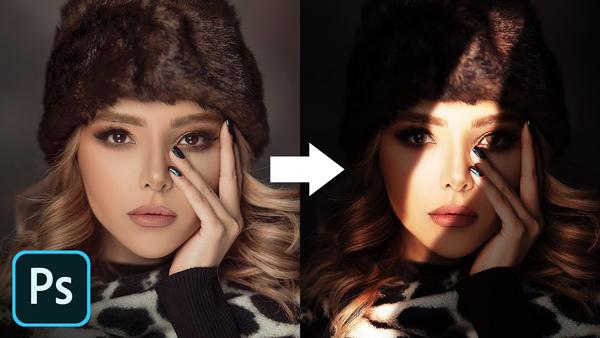
If you’re wondering how to give portraits a unique look, this quick tutorial is for you. And the good news is you don’t need a studio or fancy lighting equipment, because this technique uses Photoshop to simulate sunlight.
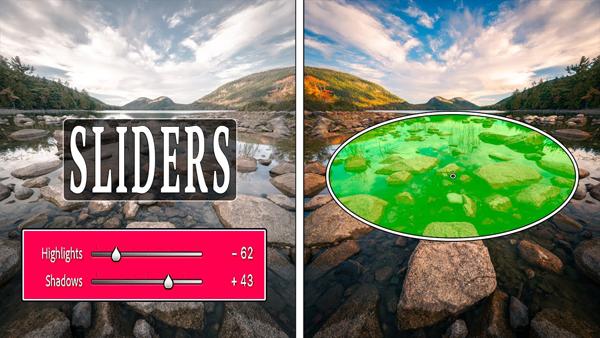
If the headline above caught you by surprise, that’s likely because most of us use sliders to make a wide variety of adjustments in Photoshop and Lightroom. But according to one top pro, it’s time you took a different approach.
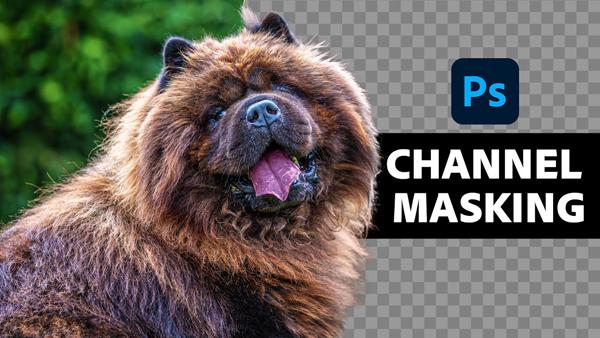
If you’ve ever photographed a model or an animal against a busy background, you know how difficult it can be to make precise selections around fine details like flyaway hair or fur. Fortunately, there’s a remarkably easy way to get the job done, as you’ll see below.
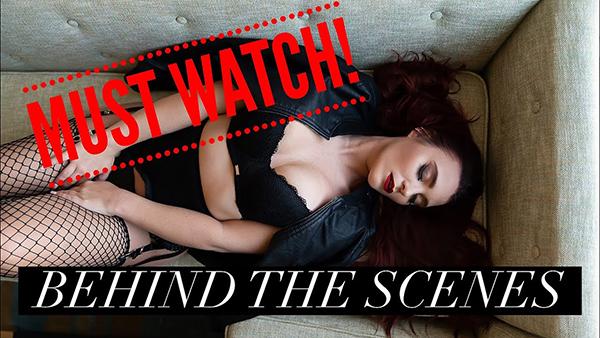
Recently we shared 10 tips for shooting sensual boudoir videos, but did you know you don't, necessarily, need a fancy camera to capture these clips for clients? In the below tutorial, boudoir professional Critsey Rowe explains how you can shoot beautiful intimate videos using just a smartphone.
What if you want a sunset image of a particular scene, but the sky is overcast or you’re not in the right place at the right time? The answer is simple: Watch this eight-minute tutorial and do it in Photoshop.