There's still time before the seasons change to capture eye-popping macro photos of insects, and the quick tutorial below will help you level up your game. You'll learn seven pro tips in just seven minutes, before it's time to switch gears and think about making close-ups of snowflakes.
The weather is nice and warm, flowers are blooming, and there are bugs and other tiny creatures everywhere you look. That means it macro time, and if you need a quick refresher you’ve come to the right place.
Sometimes we edit outdoor photos to make them more closely resemble what we saw through the viewfinder. Other times, especially when shooting on drab days, the goal is to add some punch so the images look as they would under better conditions.
We all strive to make photographs that stand out from the crowd, and sometimes that means camera settings and shooting techniques that stray from conventional wisdom. Another way to give images a unique look is to employ unconventional editing techniques to create an eye-catching effect.
All photographers are looking for an edge when it comes to shooting in mixed light outdoors, where there’s often a wide range of tones from bright highlights to deep shadows. While arriving at a balanced exposure can be challenging in these situations, there’s a way to use varying light levels to advantage.
It’s an unfortunate fact than many photographers routinely hold their camera at eye level and point it straight ahead. There’s nothing wrong with doing this, and nice images are often the result, but sometimes there’s a better way.
Did you know that there's a "hidden" Lightroom profile that accentuates the color of fall foliage while retaining a realistic look? This tutorial from the PHLOG Photography YouTube channel explains where to find it and how to put it to work.
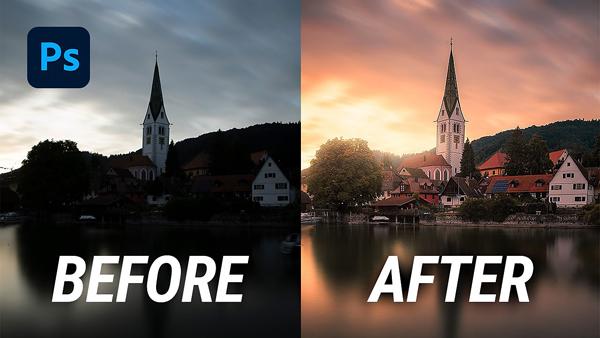
Sunset scenes are a favorite of most photographers, and they are wildly popular among “civilians” who appreciate beautiful imagery. Photos captured at this time typically have warm vibrant tones, provide a feeling of serenity, and may even affect a viewer’s mood.
We all work diligently to capture and edit photographs properly, so one of the worst things that could occur is losing our edits. And believe it or not, this could happen not only to the image you’re working on, but also to all photos in your Lightroom catalog.
If the headline above sounds suspiciously like click bait, trust us, it’s not—at least according to one of our most trusted image-editing experts. In the quick video below you’ll see how changing one Lightroom default setting can safeguard your image files.