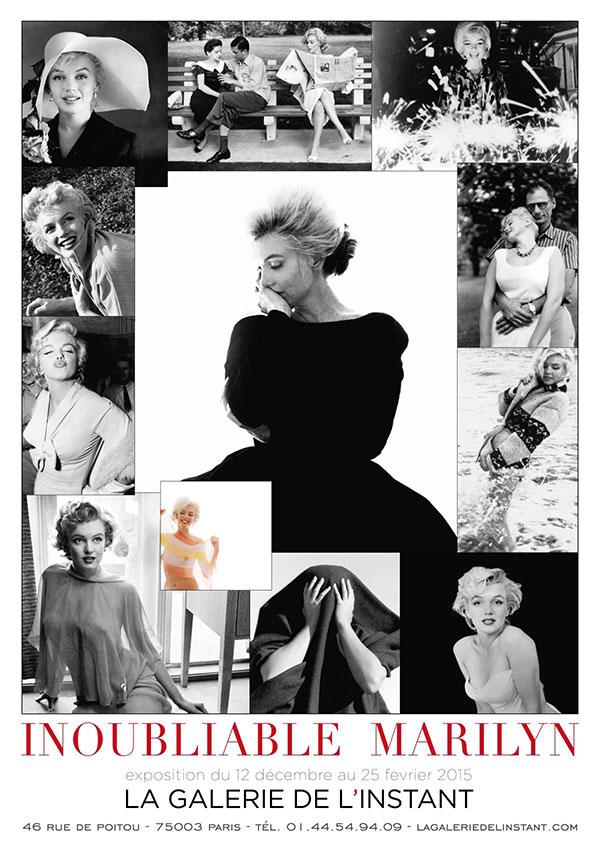
Good photographers are said to have a good “eye” that distinguishes them from other photographers. There’s no better way to understand this than to see how several very good photographers photograph the same subject. A case in point is a new exhibition of photographs of Marilyn Monroe titled “Inoubliable Marilyn” (“Unforgettable Marilyn”) at Paris’s La Galerie de l’Instant (December 12, 2014-February 25, 2015).
Here's a quick-and easy explanation of color theory from the Photoshop Together YouTube channel, with a specific focus on a transformative yet oft-ignored tool that enables you to significantly boost the impact of all sorts of photographs that don't quite make the grade.
Have you ever captured an image that looked like a pixelated mess, either because your camera was inadvertently set to low resolution or you cropped the photo excessively? If so, this tutorial from the Bazillions instructional YouTube channel is just what you need, as it explores the fascinating world of AI upscaling.
It seems like every time we post a tutorial about the use of external flash we receive a bunch of comments from photographers who insist on shooting with available light—despite the fact that this approach doesn't always deliver the best possible results in certain situations.
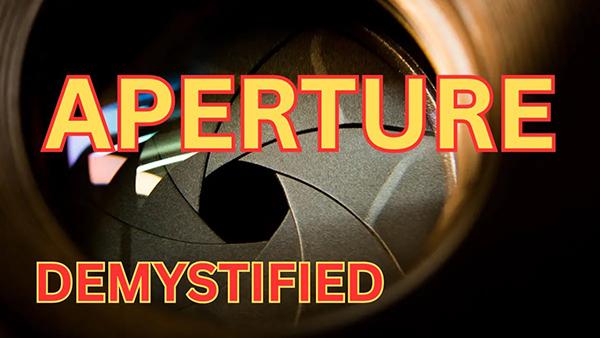
Today's how-to video from the Hamed Photography YouTube channel explores one of the most fundamental concepts in photography; namely the f/stop setting you choose. Hamed is a successful pro whose straightforward tutorials are designed to help elevate your skills, master important shooting techniques, and introduce you to the world of visual storytelling.
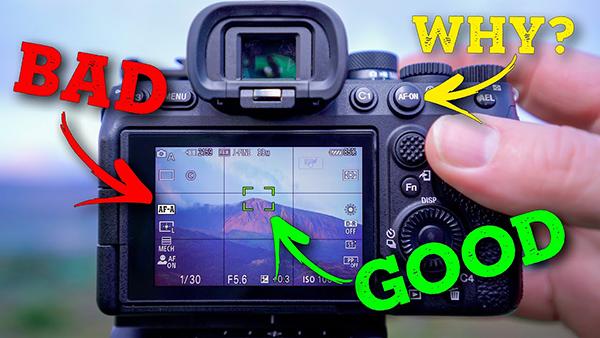
What if you were told you there is a much better way to focus, and pros use it all the time for faster, more precise subject acquisition? If we just grabbed your attention, read on to see how it's done.
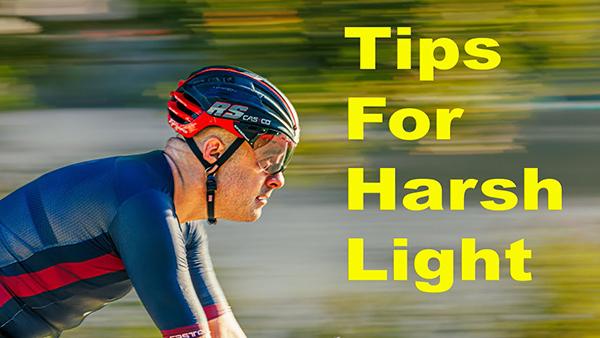
We've all been told to avoid shooting on bright sunny days or when the sun is high in the sky because contrasty light is the enemy of great photos. While there's some truth to this rule, harsh conditions also present opportunities for capturing great images.
Most photographers are familiar with the Exposure Triangle that consists of Aperture, Shutter Speed and ISO—the three camera settings that combine to arrive at a “correct exposure.” Of course what’s perceived as “correct” is in the eye of the beholder, as the exposure you use depends upon the mood you intend to convey.
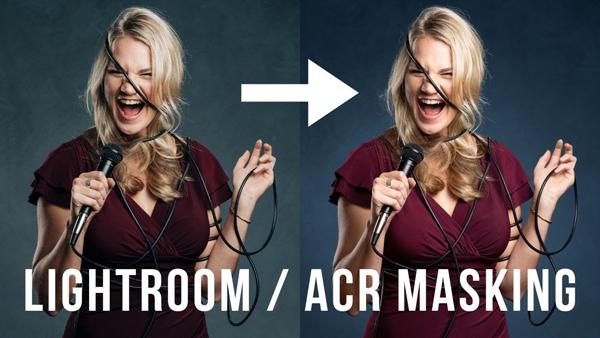
There are a bunch of new features in Lightroom and Adobe Camera Raw (ACR) that make editing images faster and easier than ever. The video below demonstrates how to use one of these powerful tools to vastly improve your results.
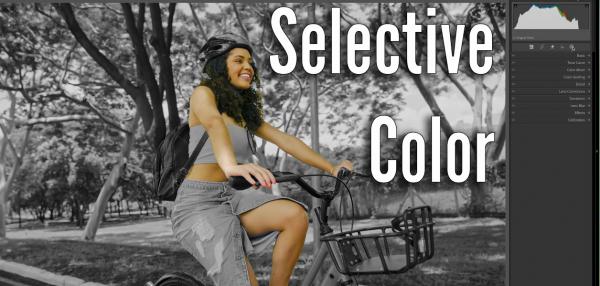
Lightroom's Selective Color tools enable you to target and adjust specific colors independently of one another to accentuate or deemphasize certain elements within the frame. In this tutorial from one of our favorite post-processing experts you'll learn a unique twist on this technique for transforming a color shot to b&w while retaining colors in the main subject of the shot.
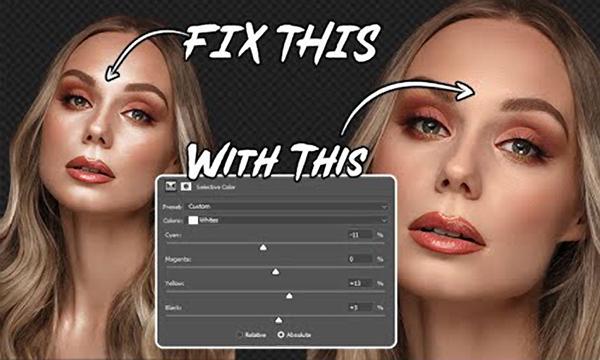
Hot spots and highlight blowouts are the bane of portrait photographers and others. They can occur with images shot in the studio under artificial illumination, as well as those captured with natural light outdoors. Fortunately there’s a simple and effective Photoshop fix, as you’ll see in the quick tutorial below.
It can be extremely challenging to capture accurately exposed photos of scenes with a wide range of brightness values from white to black and everything in between. This tutorial from the My Photo Journey YouTube channel explains how to get the job done in the camera by selecting the oft-ignored Spot Metering mode.
We often strive to shoot photos with out-of-focus backgrounds to draw more attention to a key subject within the frame. But what do you do when an entire shot is in focus? This quick tutorial from the Adobe Live YouTube channel demonstrates a simple solution for processing the image in Lightroom for a realistic look..
If you’re having trouble nailing exposure and ask a few friends for help, you’re likely to be told, “it’s time you mastered Manual mode.” While that’s certainly an option, there’s another (and often easier) way to consistently achieve perfectly exposed photos.
There are a variety of methods for making selections in Photoshop, some easier than others. Unfortunately, the more basic techniques often provide mediocre results.