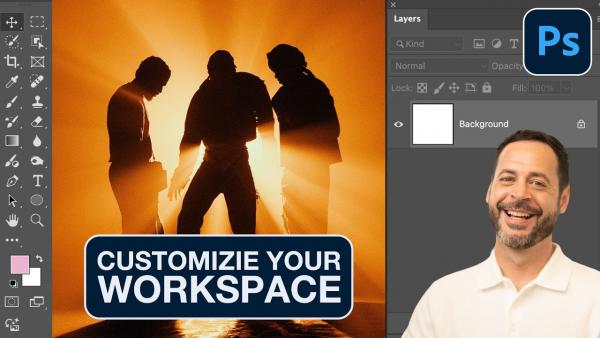
Photoshop can be bewildering for beginners and experienced amateurs alike because of the vast array of features available. In essence, all this versatility comes at the cost of a confusing workspace that makes your favorite tools difficult to find.
If you are like most of us there's a disorganized stack of old photos lurking in the back of a closet or inside a cabinet, and many of them are likely dusty, scratched, faded, or even torn. In other words, these memories are mere shadows of their former selves, and desperately in need of repair.
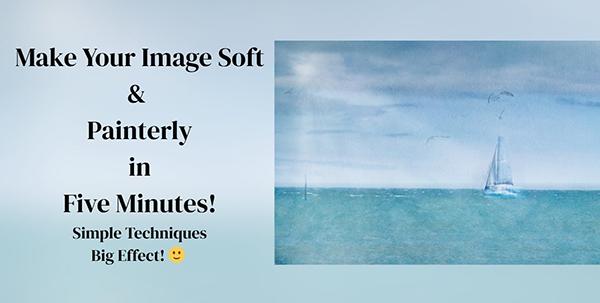
We're all looking for ways to express our creativity and make our outdoor photographs stand out from the crowd, and this quick post-processing tutorial from Amanda Newell reveals how easy this can be by imbuing images with a soft, painterly look that captures a dreamy mood.
Just when you thought that Lightroom's popular Remove tool was about as good as can be Adobe releases an upgrade that one expert refers to as "massive." This tutorial from a notable educator explains how it works and explores how it lives up to the enthusiastic billing.
Photoshop's versatile Eyedropper tool enables you to make several significant enhancements to nature, landscape, and other types of images, and today's tutorial from the popular PHLEARN YouTube channel explains how they work. There's also an interesting trick that many of you will find surprising.
The proper use of depth-of-field effects is an important component of all great outdoor photographs, and we often use camera settings and techniques that accentuate a main subject by limiting the zone of sharpness to soften backgrounds and deemphasize other areas within the frame.
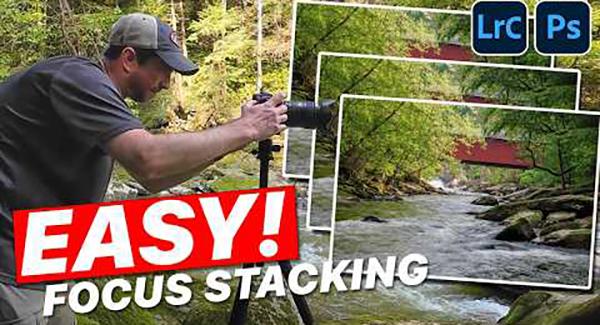
We often discuss the virtues of patience when shooting in the field, and why it's advisable not to move from one location to the next until you've exhausted all the possibilities of your first stop. And this sometimes means capturing a nice shot, followed by another and another as your exploration continues.
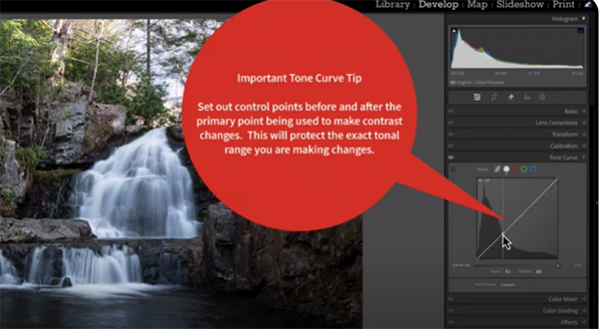
Last month we brought you an interesting Lightroom tutorial demonstrating a unique method for using color curves adjustments to embellish mediocre landscape photographs with a beautiful soft dreamy twilight glow. This follow-up video provides an equally powerful tone curves trick that you'll definitely want to try.
If you want a simple post-processing method for creating unique landscape photos that stand out from the crowd, we've got you covered in the next five minutes. Instructor Scott Davenport does the trick by demonstrating how to imbue images with a soft, dreamy twilight glow that can't be ignored.
Today's straightforward post-processing tutorial from the Better Pics YouTube channel demonstrates several great options for harnessing the power of Lightroom's Clarity, Texture, and Dehaze tools to maximize detail in every image you capture when shooting in the field.
Earlier this week brought you a comprehensive tutorial from an experienced pro who explained why, when, and how to choose between Shutter Priority and Manual exposure mode when photographing subjects in motion. We're following up on that today with another important consideration; namely, the differences between Jpeg and Raw format when action subjects are the task at hand.
Shooting directly into the sun causes all sorts of problems for landscape photographers, some of which can be handled in the camera. Other times however, post-processing is required to make a perfect fix.
In the next five minutes you'll learn why and how changing the aspect ratio of your photo is a quick-easy-way to strengthen its impact on the viewer. The five-minute tutorial from the Better Pics YouTube channel explains how to get the job done with precision using an oft-ignored feature in Lightroom's Crop tool.