We often turn to the globally popular Photoshop Training Channel (PTC) for practical advice on late-breaking Adobe updates and new or upgraded tools. While some of the latter may seem incidental, they can actually have a huge impact on how you go about processing your work.
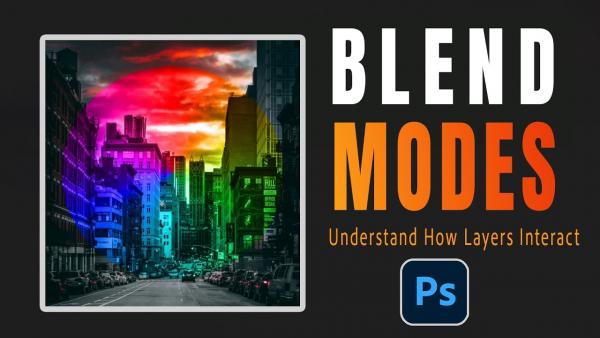
Are you one of those inexperienced Photoshop users who avoid taking advantage of Blend Modes because you feel that your rudimentary skills aren't up to the task? We'll forgive this common misconception because, after all, there are 27 Blend Modes from which to choose. And that sounds quite complicated.
What if we told you there's a common post-processing mistake that one pro call "massive" that may be spoiling your photos? You may not realize that this error is responsible for unrealistic photos, even though it's super easy to fix.
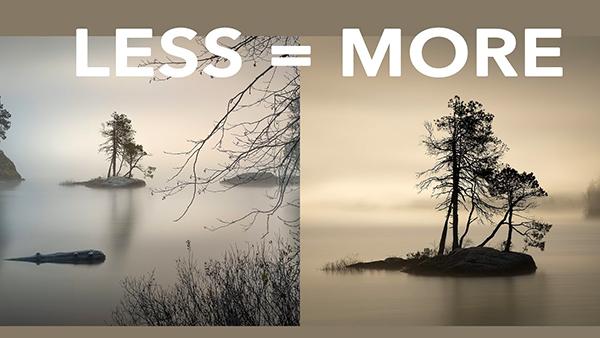
One big challenge when shooting in in the field is understanding how to make sense out of chaos when confronting complicated scenes. Today's eye-opening tutorial takes this approach to the extreme by exploring the power of minimalist photography.
Here's a quick-and easy explanation of color theory from the Photoshop Together YouTube channel, with a specific focus on a transformative yet oft-ignored tool that enables you to significantly boost the impact of all sorts of photographs that don't quite make the grade.
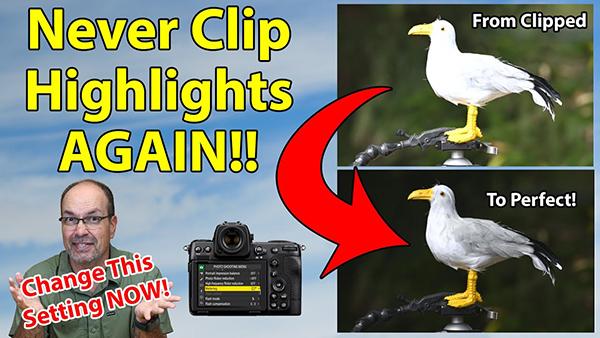
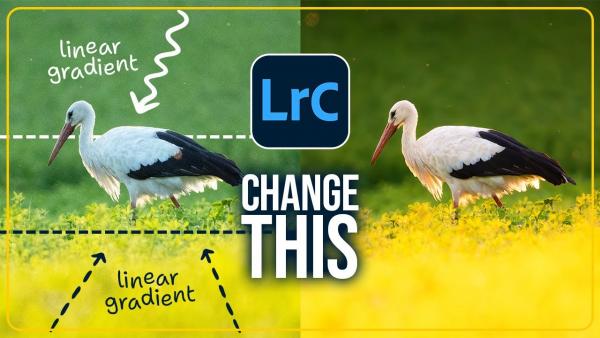
Have you ever spoiled an otherwise great shot by clipping highlights on a sunlit wildlife subject? Maybe a bright white bird is blown out and totally devoid of detail, or perhaps it's just the wings that are grossly overexposed.
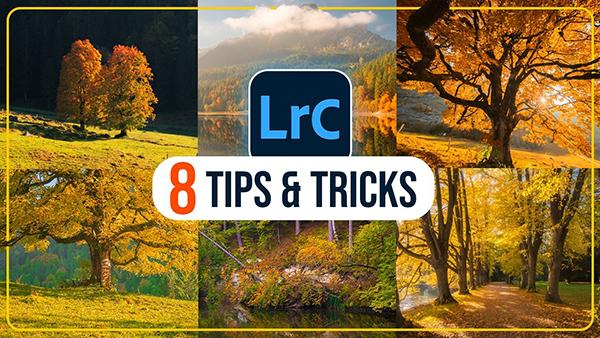
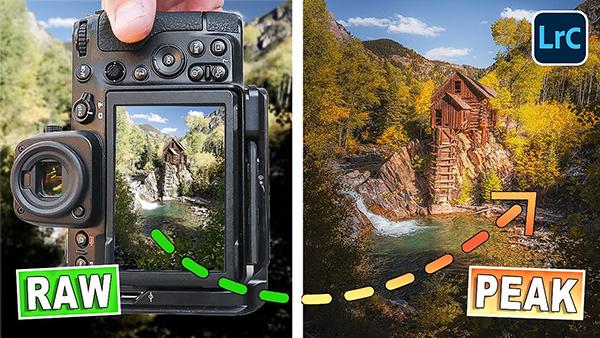
Autumn is a favorite season among experienced outdoor shooters who understand the impact of beautiful light, color separation, dramatic skies, and the gorgeous warm tones that paint the landscape. Today's tutorial from the popular PHLOG Photography YouTube channel provides eight Lightroom tips and tricks that even beginners can use to enhance their imagery in a big way.
This tutorial from one of our favorite instructors is all about drawing more attention to the key element in a scene when it recedes intro surrounding area of the frame. The quick-and easy trick enables to create more impactful images by separating the subject in a way that immediately draws attention.
Take a close look at the landscape photographs you admire most and you'll likely discern a powerful common denominator; namely, a thoughtful attention-grabbing "depth range." The video below from Andy Hutchinson describes this oft-ignored concept and demonstrates how to create the effect during post processing.
Most photographers are well aware of the benefits of shooting in Raw and the much greater flexibility this format provides when it comes to post processing. Yet many of us decide to shoot Jpegs on occasion depending upon how we intend to use and store certain images.
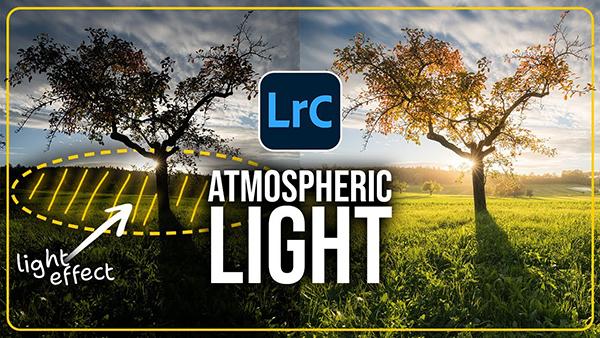
We all look forward to those "perfect" days in the field when we're greeted by beautiful light, eye-catching blue skies with billowing clouds, and an enchanting scene with interesting depth and dimension throughout the frame.
We're wrapping up the week with a rant by Australian landscape photographer Steve Arnold who laments the fact that, in his mind, Photoshop's best editing techniques are the most difficult to use. As he says, "Adobe keeps adding new features that nobody really needs, while folks ignore beneficial tools because they're not easy enough to use."
Autumn is finally here and with the change of seasons come a myriad of opportunities for breathtaking landscape photos. Today's video demonstrates a straightforward Lightroom workflow for enhancing your images so they faithfully reproduce the vivid colors and tonal balance you witnessed through the viewfinder.
Beautiful flowers offer abundant opportunities for eye-catching images, even if you specialize in other genres of photography, and these colorful subjects are readily available at local parks, nearby arboretums, nature centers, and even in the comfort of your backyard.
Whenever Adobe updates their software it seems as though one or two new headline features grab all the attention, while other second-tier tools and capabilities don't get the credit they deserve. Today's eye-opening tutorial with one of the world's foremost post-processing experts reveals six of these lesser-known upgrades you don't want to overlook because they can make your workflow faster, easier, and more creative.