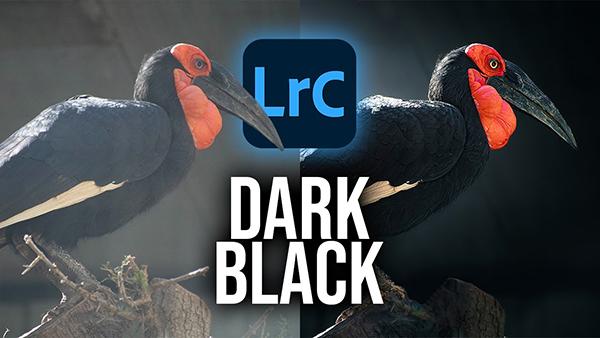
Experienced outdoor photographers understand why bright-and-vivid isn't always the most compelling approach when photographing landscapes or wildlife subjects in the field, especially if you want to avoid a me-too look and create attention-grabbing images that stand out from the crowd.
Photoshop's versatile Pen tool enables you to easily accomplish a wide variety of transformational edits from creating masks, to making accurate selection and shapes. And it works its magic quickly with uncanny precision.
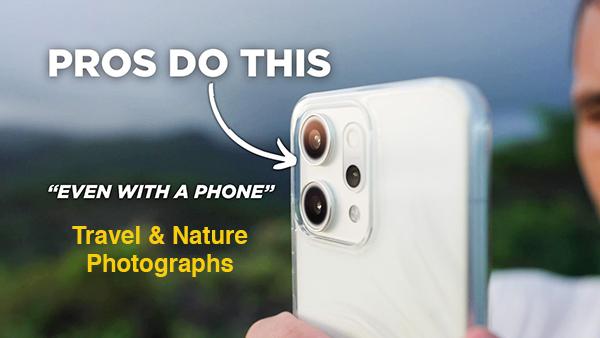
Even notable pros like Pierre T. Lambert occasionally pull out a smartphone to capture stunning images while traveling, and you can do the same by following his succinct advice in the comprehensive tutorial below. So don't settle for mere snapshots when all that's available is your mobile device.
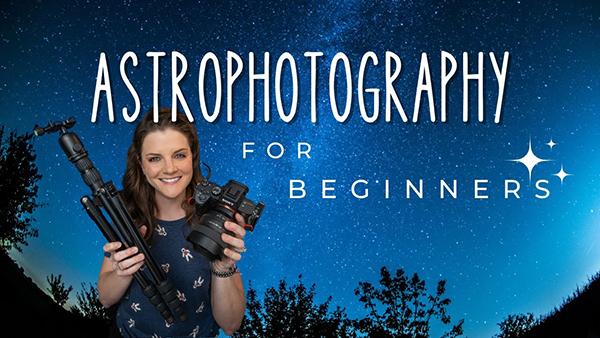
Are you finally ready to give astrophotography a try and capture some spectacular images of the sparkling nighttime sky? Whether you're new to the game or just looking for few quick tricks, this beginners guide will prepare you for challenge.
A simple eye-catching vignette can often transform a good photograph into a great one by accentuating the main subject or object within the frame, whether you're capturing landscapes, wildlife images, or environmental portraits. Today's comprehensive guide from Eastern Shore Photo Instruction walks you through a simple step-by-step process for getting the job done with precision.
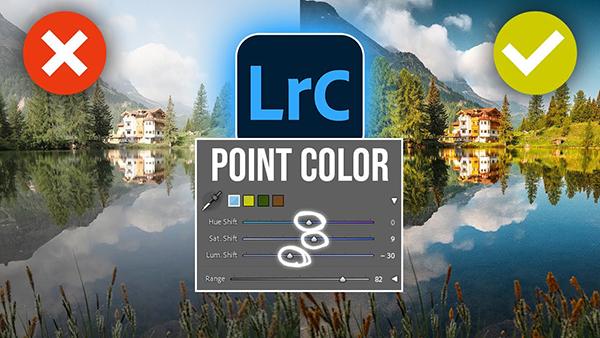
If you're unfamiliar with Lightroom's powerful Point Color tool, this comprehensive beginners guide from the PHLOG Photography YouTube channel will set you straight. In barely 10 minutes you'll learn how to expand your workflow by gaining full control of the colors in your images.
You may have heard photographers discuss the popular concept of "bokeh" even if you don't know how to pronounce it. Simply put, the powerful technique enables you to accentuate the key subject in an image by understanding how to render out-of-focus areas with the frame.
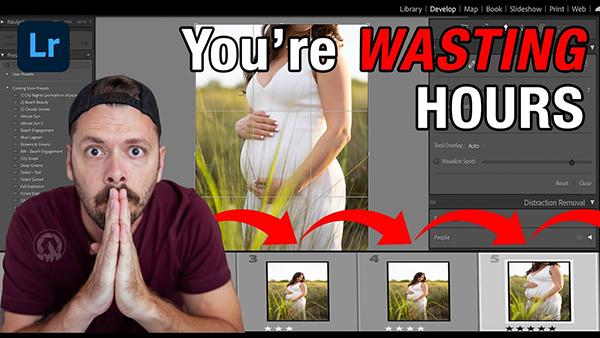
According to the experts at the Exploring Photography YouTube channel there's a good chance that you've been wasting time behind the computer by taking the wrong approach to culling photos after you return from a shoot. This quick tutorial will dramatically speed up this chore so you can get back out in the field with a camera as soon as possible.
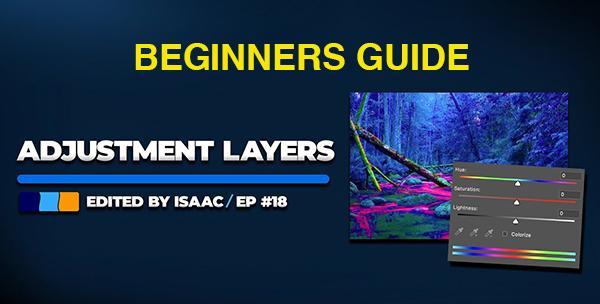
If you're new to post-processing and shy away from employing adjustment layers you're in for a big surprise. That's because these transformational tools are much easier to apply than you think. We'll bring you up to speed in the next four minutes and your workflow will instantly improve.
Canadian photographer Davey Gravy has completed an exhaustive review of hundreds of mobile apps for capturing both stills and videos. He first narrowed down the choices to 50, and today he presents what he says are the top six of the bunch.