Are you confused about the Flow and Density settings when using brushes in Lightroom and Photoshop? If so, you're not alone. Take heart, however, because this must-watch tutorial from post-processing expert Mike Wardynski explains everything you need to know for moving forward with confidence.
The Color Mixer in Adobe Camera Raw (ACR) has been a post-processing staple for years. This quick primer from the Better Pics YouTube channel take a look at "how it can help you achieve perfect color in your images."
It's remarkable that b&w photography remains so powerful in a world bursting with color. And what is it about those stark white, black, and gray tones that grab our attention? Today's tutorial from Providence Photography DFW addresses all this and much more so you can get in on the monochrome magic.
Inexperienced photographers often ignore Photoshop's transformative layering capabilities because they think these powerful tools are too difficult for their rudimentary skills. We going to correct this misconception in the next four minutes with the following tutorial from Photoshop Café.
Lightroom can seem overwhelming to inexperienced users because there's a vast array of tools and techniques for achieving different types of enhancements. To complicate matters further, there are other tools that appear to fulfill similar tasks but aren't quite the same.
Today's interesting tutorial is for those of you who may understand the power behind Lightroom's Masking tool but are unsure how to use it for enhancing your photos. Instructor Austin James Jackson puts it like this: "The Masking tool allows you to make selective adjustments to your images, giving you total control over the most miniscule details in the frame."
Earlier this week we featured an important maintenance guide with a safe-and-effective method for cleaning a dirty camera sensor and keeping it pristine as long as possible. But what about the dusty photos you shot in the past or those you digitize with a scanner?
The task of editing landscape photos is typically challenging because we often shoot in complicated situations, like when pointing the camera directly into the light at sunrise or sunset. Then there are those confusing scenes with bright highlights, dark shadows, and important midtones within the frame.
Lightroom's Contrast slider is the most frequently used tool for editing images than can benefit from a boost in contrast but, unfortunately, this approach provides far less control than the other methods you'll learn today by watching this tutorial from the popular PHLOG Photography YouTube channel.
It's time for some belated spring cleaning if you waste time struggling with a disorganized Lightroom catalog that's difficult navigate. If you've skipped this one-time housekeeping task because it requires a bit of thought and effort, think about all the frustration you'll avoid by having all your images at your fingertips in logical folders where they're easy to find.
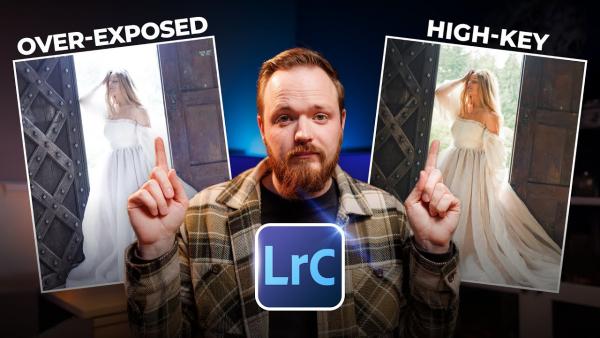
Overexposed images are the bane of outdoor photographers when shooting in complicated, mixed light, and even professional shooters like today's instructor gets thing wrong on occasion. You'll learn how to correct this common problem in the Lightroom tutorial below from the Photo Feaver YouTube channel.
We've all had the misfortune of capturing a seemingly great image, only to realize later that the shot includes a distracting element, or we failed to notice someone walking through the frame. At this point, unfortunately, it's often impossible to go back for a redo.
Whenever Photoshop gets an update it's easy to concentrate on headline-grabbing features while overlooking other new and important capabilities that aren't considered as "revolutionary" but important nonetheless. Today's eye-opening tutorial from Adobe expert Julieanne Kost reveals 10 recent upgrades that are deserving of note.
Lightroom boasts a bewildering array of powerful tools, but some of them are difficult to find. In fact, instructor James Feaver says that, "unless you've been using Lightroom for a very long time, you may not even know they exited to begin with. And today I'm going to share my seven favorites."
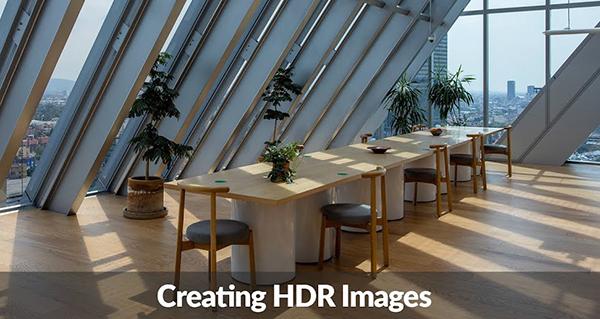
The term HDR stands for "high dynamic range" and describes a powerful method for capturing details in the lightest and darkest elements in a scene while maintaining accurate midtones. Some cameras (even compacts) offer a built-in function that captures multiple images of the same scene at slightly different exposures and automatically combines them into one balanced shot.