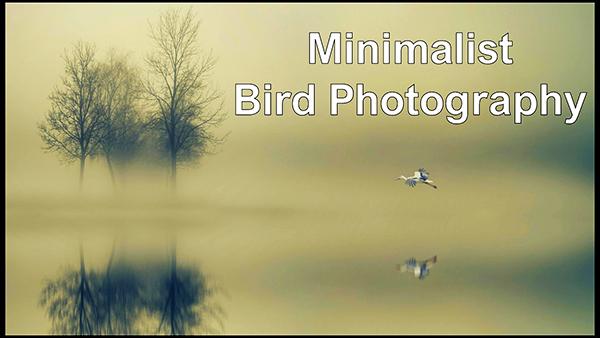
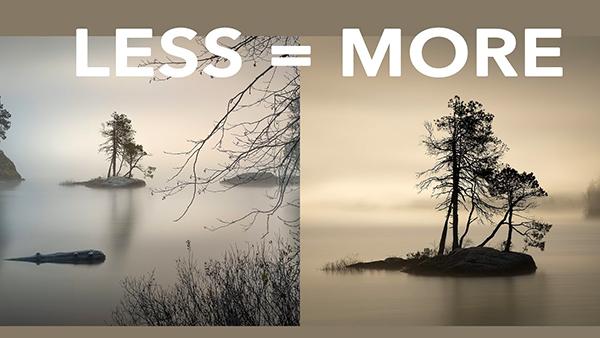
Earlier this week we brought you an unconventional beginners guide to minimalist black-and-white photography, demonstrating how restraint and simplicity can deliver landscape images with greater impact. We're following up on that lesson today with an interesting video that applies these same principles to photographing birds and other wildlife subjects in the field.
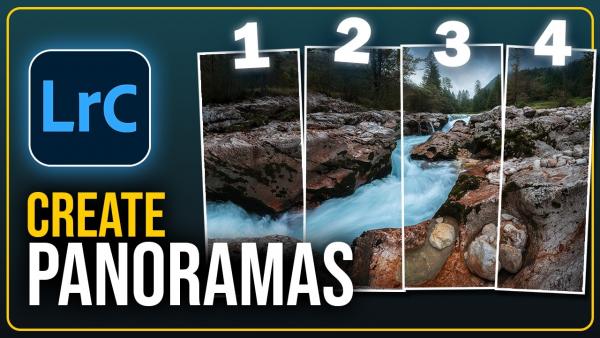
There are times when we're out in the field and our widest lens doesn't enable us to squeeze an entire expansive vista into the frame. That's when it's time to shoot multiple images and merge them during post processing to create one spectacular ultra-wide shot.
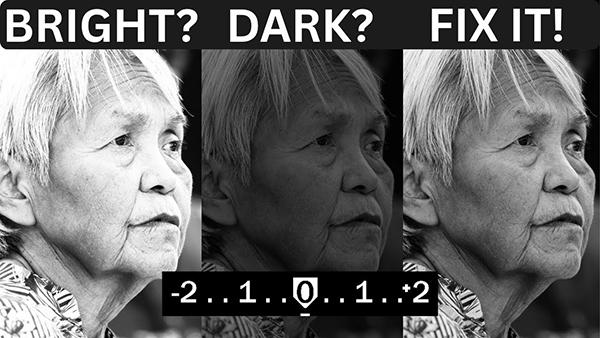
Your camera's light metering system is one of the most important tools in photography, yet some shooters fail to understand how it works. So if your images often appear too bright or unnaturally dark, this tutorial from the Hamed Photography YouTube channel is just what you need to solve this frustrating dilemma.
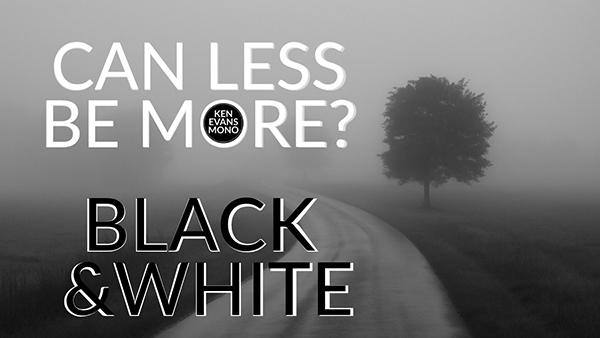
Today's eye-opening tutorial from expert Ken Evans is for those of you who are disappointed by your monochrome images, and is all about understanding how to view outdoor scenes in b&w. The unique video below describes how restraint, tone, and structure can be used to shape meaning within the frame.
Today's post-processing tutorial from the PHLOG Photography YouTube channel. illustrates a powerful Lightroom workflow that's guaranteed to transform how-hum landscapes into spectacular images that simply can't be ignored.
We've all suffered the disappointment of capturing what we thought was a spectacular photograph, only to return home, pull it up on the computer, and discover that the image is painfully soft. Maybe the problem was camera or subject movement, incorrect camera settings, or some other mistake, and other times we can't even identify the culprit.
When we consider the bonehead blunders photographers unwittingly commit, we usually think about gross mistakes that result in fuzzy or poorly exposed images. But the error in this story involves sharp images that we want to abort at all costs. The catastrophic bungle we're identifying is…
We often turn to the globally popular Photoshop Training Channel (PTC) for practical advice on late-breaking Adobe updates and new or upgraded tools. While some of the latter may seem incidental, they can actually have a huge impact on how you go about processing your work.
Are you one of those inexperienced Photoshop users who avoid taking advantage of Blend Modes because you feel that your rudimentary skills aren't up to the task? We'll forgive this common misconception because, after all, there are 27 Blend Modes from which to choose. And that sounds quite complicated.
We'd all love to make better photographs with the gear we already own. It turns out that one of favorite instructors is a strong proponent of five daily habits that he says will instantly boost your skills without spending a dime.
What if we told you there's a common post-processing mistake that one pro call "massive" that may be spoiling your photos? You may not realize that this error is responsible for unrealistic photos, even though it's super easy to fix.
Jon Sienkiewicz | Oct 17, 2025 | First Published: Oct 18, 2025
You'd think by now I would have learned. I mean, when I began taking pictures seriously, my cellphone had a rotary dial, ISO was spelled ASA and image files were paper folders where sleeves of negatives were stored.
One big challenge when shooting in in the field is understanding how to make sense out of chaos when confronting complicated scenes. Today's eye-opening tutorial takes this approach to the extreme by exploring the power of minimalist photography.
Here's a quick-and easy explanation of color theory from the Photoshop Together YouTube channel, with a specific focus on a transformative yet oft-ignored tool that enables you to significantly boost the impact of all sorts of photographs that don't quite make the grade.
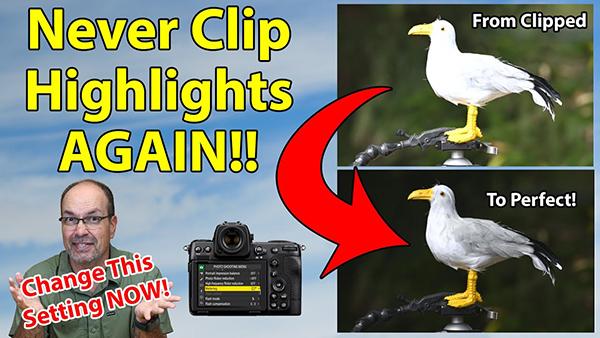
Have you ever spoiled an otherwise great shot by clipping highlights on a sunlit wildlife subject? Maybe a bright white bird is blown out and totally devoid of detail, or perhaps it's just the wings that are grossly overexposed.