Videos

Sort By: Post DateTitle Publish Date
Ron Leach  |  Sep 25, 2017

Today’s computer-designed lenses are a joy to use and typically deliver high resolution and great sharpness, contrast, and color rendition. But modern premium glass isn’t always needed to make beautiful images, as you can see in the quick video below.

Ron Leach  |  Jul 05, 2024

Today's quick Photoshop lesson is designed for photographers who are frustrated and dissatisfied with how their landscape images turn out after post-processing because results "lack that special something." The goal is to solve this dilemma with three simple Photoshop hacks for injecting photos with the WOW factor to make them stand out from the crowd.

Ron Leach  |  Jun 04, 2024

It's easy to become overwhelmed when editing photos in Lightroom because there are virtually endless tools and features one can employ. This beginners guide is designed to simplify your workflow with a trio of basic methods you can put to work now.

Henry Anderson  |  Jul 07, 2022

Photographer Benjamin Jaworskyj has a message for beginner photographers: sometimes what you do after you snap the shutter during image processing can be half the battle.

Shutterbug Staff  |  Mar 19, 2020

Continuing on the theme of photography projects you can do at home, here's a super helpful video from Anthony Morganti with three Lightroom editing tips for beginners. Even though this Lightroom tutorial is geared toward novices, more experienced photo editors can use it as a handy refresher course.

Shutterbug Staff  |  Aug 26, 2019

Making your landscape photos look more professional in Lightroom is as easy as one-two-three. That's according to photographer David Johnston who shows you three easy but effective editing steps in the tutorial below.

Ron Leach  |  Oct 08, 2020

We all like to “get it right in the camera,” but every so often it’s necessary to cut out a portion of an image. Sometimes that’s because we’re working on a composite, like replacing a boring sky, placing a subject against a better background, or eliminating a distracting object.

Ron Leach  |  Jan 14, 2020

If you’ve ever tried your hand at portraiture, you probably know that there’s more to the craft than technical mastery and good gear. In fact, one of the variables that can make the difference between a good portrait and a great one is the skill to pleasingly pose a model.

Henry Anderson  |  Sep 09, 2019

One of the keys to a great portrait is, without a doubt, having beautiful skin tones. You can, of course, capture gorgeous skin in your portraits right in camera, but it never hurts to have a little help afterwards.

Dan Havlik  |  May 18, 2017

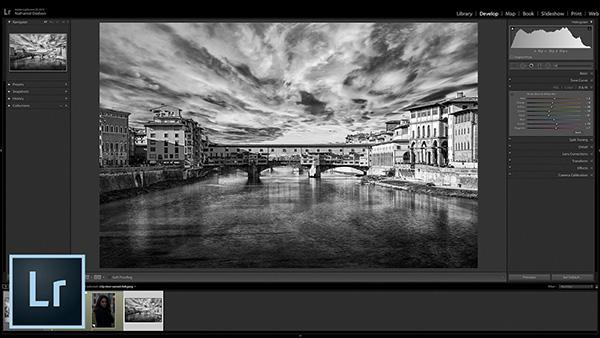
Nathaniel Dodson of Tutvid is back with another great Lightroom tutorial. This time he’s offering three great ways to create black-and-white photos in Lightroom in the below video.

Ron Leach  |  May 04, 2023

Capturing photos with a correct perspective can be a difficult task, whether you’re photographing landscapes in the field or shooting in town on the street. Sometimes our brain “auto-corrects” these anomalies for us, but the camera doesn’t see things the same way as our eyes.

Dan Havlik  |  Aug 07, 2019

There are more ways to remove unwanted objects and people from an image in Photoshop than there are to skin a cat. Actually, I've always hated that expression; who wants to skin a cat anyways?

Ron Leach  |  Nov 08, 2022

We’ve all been there: You shoot what looks like an outstanding photo, only to open it on the computer and discover a distracting element or two that sort of spoils the shot. We’re firm believers of “fixing it, rather than trashing it,” and that’s exactly what you’ll learn how to do today.

Shutterbug Staff  |  May 10, 2019

Here's a fun tutorial from photographer Jessica Whitaker with three easy ways to shoot more interesting portraits. Shot on location in the Capitol Hill neighborhood of Seattle, Washington, Whitaker teams up with model Chelsea Miller to share tips, tricks and techniques for portrait photography.

Ron Leach  |  Mar 01, 2023

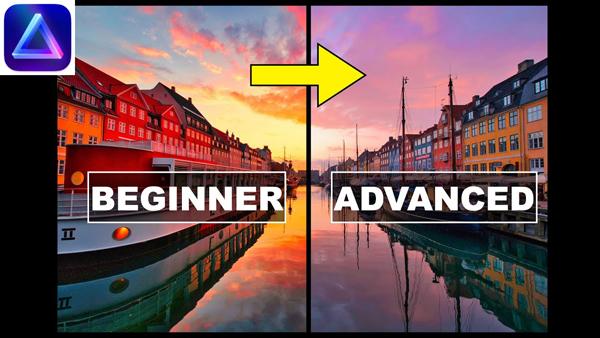
More and more photographers are using Luminar Neo, either as an adjunct or replacement for Photoshop and/or Lightroom. Created by Skylum, Luminar Neo is an AI-powered program for Mac and PC users that’s updated frequently and relatively simple to use.

Pages

X