Photoshop How To

Sort By: Post DateTitle Publish Date
Ron Leach  |  Jul 21, 2025

We often discuss the virtues of patience when shooting in the field, and why it's advisable not to move from one location to the next until you've exhausted all the possibilities of your first stop. And this sometimes means capturing a nice shot, followed by another and another as your exploration continues.

Ron Leach  |  Feb 22, 2024

Highlights and shadows can be the bane of landscape photographers who often confront scenes with a wide range of tones that exceed the density range of their camera. Today's quick tutorial from the folks at How to Use concentrates on the former, with a straightforward Lightroom method for eliminating blown-out areas within the frame.

Ron Leach  |  Jun 26, 2024

We're going to kick off this post-processing tutorial with a quote from one of our favorite landscape photographers: "White balance is one of the most important settings to adjust when editing your images, because getting it right is crucial if you want photos to appear natural and realistic."

Ron Leach  |  Aug 08, 2023

Panorama photos are a lot of fun to make and can really grab attention. Some cameras can automate the process by merging successive shots to achieve a pretty good result. Doing it this way may require a tripod for absolutely precise merging, and you'll still need some post-processing to finish up  the job.

Shutterbug Staff  |  Mar 05, 2019

Black-and-white photography is still incredibly popular and with good reason. There’s just something about a classic, black-and-white image that catches the eye.

Ron Leach  |  Sep 11, 2023

Some landscape scenes look far more compelling when rendered in b&w, whether you captured the shot using your camera's monochrome mode or do a conversion later during the editing process. In either case, some thoughtful processing is required for optimum results.

Ron Leach  |  Oct 04, 2024

Here's a tutorial from one of the world foremost post-processing experts who demonstrates how easy it is to use Photo Merge in Lightroom Classic to combine bracketed exposures into a High Dynamic Range (HDR) DNG file that contains all of the quality and flexibility of a Raw file. If you've avoided this editing method, thinking it was beyond your skills, that's going to change in the next six minutes.

Ron Leach  |  Mar 24, 2022

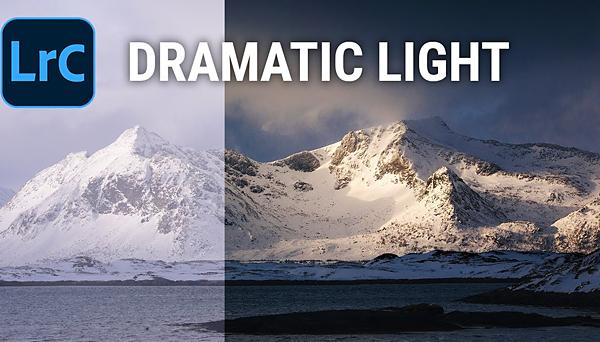
Every so often we photograph a beautiful outdoor scene even though the light isn’t quite right. That’s because it’s not particularly difficult to add depth and drama to an otherwise great shot with a bit of help from Lightroom.

Ron Leach  |  May 04, 2022

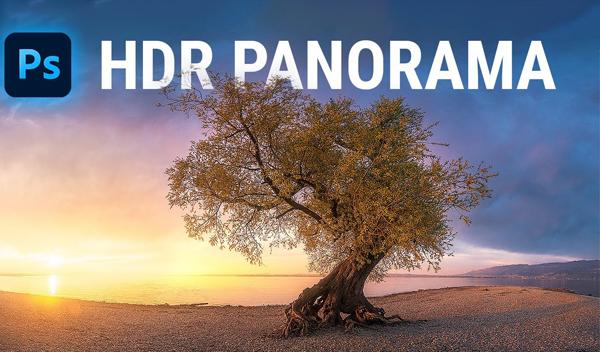
If you’re serious about landscape photography and want to blow a few minds, pull up a chair and watch the 15-minute tutorial below, as one of our favorite outdoor photographers demonstrates how to create absolutely amazing HDR panorama images in either Photoshop or Lightroom.

Ron Leach  |  Aug 29, 2024

Everyone loves photographing their pets, even if they specialize in other genres. And those of you who don't have a furry friend yourself will likely be asked by someone else to make a few portraits of theirs. After all, you own a camera, right?

Ron Leach  |  May 15, 2025

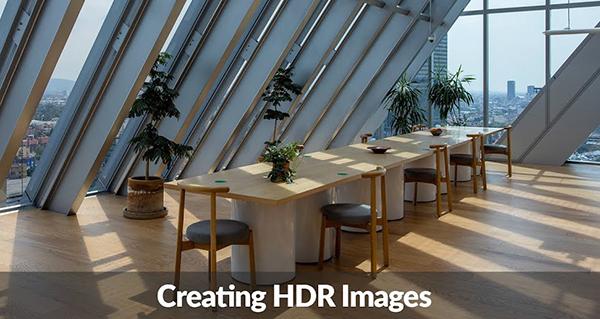
The term HDR stands for "high dynamic range" and describes a powerful method for capturing details in the lightest and darkest elements in a scene while maintaining accurate midtones. Some cameras (even compacts) offer a built-in function that captures multiple images of the same scene at slightly different exposures and automatically combines them into one balanced shot.

Ron Leach  |  Mar 07, 2024

Sometimes you shoot a color image and realize it would look more compelling by converting it to b&w because of the potential for awesome contrast and other characteristics within the scene. Today you'll learn why you should avoid the common amateur approach, and use a method favored by a top pro that is still simple to accomplish.

Shutterbug Staff  |  Jan 08, 2019

People still love black-and-white photography because of its striking, timeless quality. But you don’t, necessarily, have to shoot with black-and-white film or use a digital black-and-white filter in your digital camera to create a monochrome image.

Ron Leach  |  Mar 06, 2025

Lightroom's powerful Curves panel offers far more versatility than the limited global adjustments many photographers use to adjust the brightness and contrast of an image and balance out tonal values. These include selective enhancements for targeting and enhancing different areas within a scene.

Henry Anderson  |  Jan 06, 2022

You don't, necessarily, need a seamless white backdrop and a professional photography studio to shoot high-end looking products. Through the power of Photoshop, you can turn your shabby, amateur background into a pristine seamless white backdrop so your product photos pop.

Pages

X