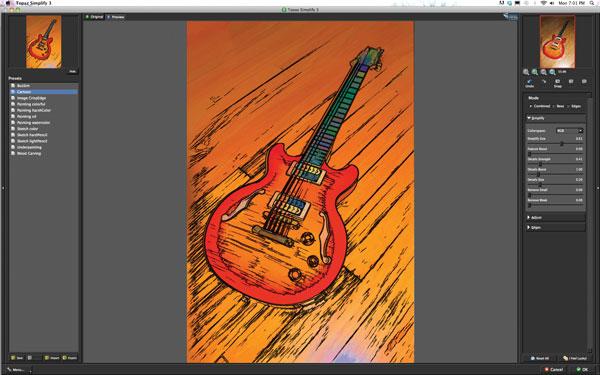
Snap Art 3 from Alien Skin Software (www.alienskin.com) can quickly take your photographic images into the realm of hand drawn, professional level traditional art media, from Classical to Pop (#1). Whether you want to fulfill your own dreams of artistic expression or expand the services you offer to clients, Snap Art 3 (SA3) makes it strikingly fast and easy, and does not require drawing by your own hand. Rather than in the wrist, it’s all in the software. Hundreds of preset effects are only a click or two away. You do, however, still have a vast array of options to control via sliders—variables such as brush size, color saturation, contrast, tone, light direction and more.
Since Snap Art 3 is a plug-in, in order to use it you must have Photoshop, Lightroom, or Elements to run it (see the list at the end of this article). Whether you work on Windows or Mac, SA3 couldn’t be more straightforward. In Photoshop, open a photo and choose Filter>Alien Skin>Snap Art 3. You’ll be presented with 11 art media styles to choose from: Color Pencil, Comics, Crayon (new), Impasto (thick textured paint), Oil Paint, Pastel, Pen and Ink, Pencil Sketch, Pointillism (inspired by Impressionist painting), Stylize (this creates a posterized or silkscreen look) and Watercolor. Chose one of these and a large preview opens as SA3 applies the effect. If you like it, click OK. If not, delve into the tabs and submenus to tweak and vary the look until you have completed your masterpiece.