Today we're discussing why, when, and how to use Luminosity masks for editing nature and landscape photos, a technique that one pro refers to as "the pinnacle of masking in Photoshop." These powerful tools enable you to selectively enhance various parts of an image based upon the brightness values of specific parts.
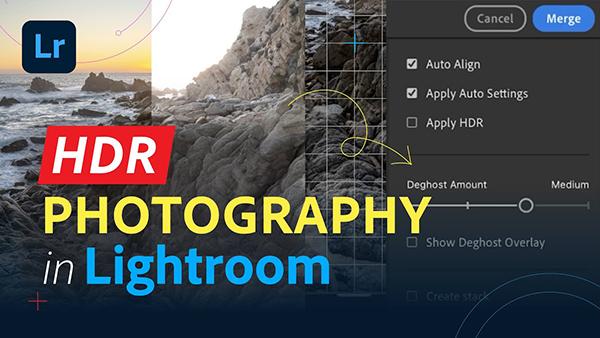
If you're looking for an easy way to transform ordinary photos into breathtaking HDR images in Lightroom, we've got you covered with today's instructional video from the popular Adobe Live YouTube channel. This fast and effective workflow takes barely five minutes to explain and is perfect for inexperienced Lightroom users.
If you're under the impression that a high-end camera is required for fast and precise focus, well, think again, because we're going to dispel that common excuse in the next 10 minutes. The good news is that you can achieve super sharp photos with whatever camera you own by using the pro techniques demonstrated below.
There are numerous methods for refining White Balance in an image, some more difficult and effective than others. Today's tutorial from one of our favorite post-processing experts demonstrates why you don't have to choose between simplicity and precision with an interesting technique that enables you to kill two birds with one stone.
Dedicated photographers invest heavily in gear and the time spent perfecting their craft, which why there's nothing worse than have our hard-earned images lost, damaged, or stolen. Today's important tutorial from Anthony Morganti explains how to protect photos with a new and oft-ignored Lightroom tool.
Most photographers would rather be out in the field with a camera up to their eye rather than sitting behind a computer editing their work, and this means a streamlined workflow that delivers great results in a hurry.
There are a variety of reasons that outdoor photographs may appear flat and lifeless, even when a location is spectacular. Maybe you used the wrong camera settings, or perhaps the light just wasn't right. In either case, today's Photoshop tutorial demonstrates how to transform images from meh to WOW by employing easy-to-use Dodge and Burn tools during post processing.
This image-editing tutorial from the PHLEARN YouTube channel does double duty by first demonstrating how to crop an image to any aspect ratio, and then follows up by explaining the simple process of expanding the result with AI. It's a useful technique that anyone can accomplish with ease.
Accurate Colors are an essential component of every image you capture unless, of course, monochrome is your thing. To get everything right it's important to understand the Color Space settings that are available, and how they impact your work.
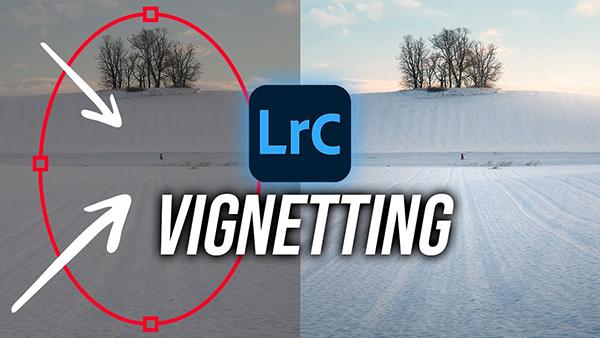
Thoughtful vignettes can make a huge difference in the impact of landscape photos, especially those with a minimalist look. The basic Lightroom tutorial below from the PHLOG Photography YouTube channel explains how easy it is to unlock this transformative technique.
Today's tutorial from our friends at Adorama TV begins with a simple question from a reader: "I'm considering switching from shooting in color to black and white for my portraits work. What are some key differences to consider when composing and editing in monochrome?"
We often strive to shoot photos with out-of-focus backgrounds to draw more attention to a key subject within the frame. But what do you do when an entire shot is in focus? This quick tutorial from the Adobe Live YouTube channel demonstrates a simple solution for processing the image in Lightroom for a realistic look..
When it comes to selections in Lightroom the task of creating "complex" masks doesn't have to be difficult if you follow the instructions in this tutorial from the PHLOG Photography YouTube channel. And one way to get the job done to perfection is by using what one of our favorite prost-process experts calls a "hidden" Insect" tool.
According to one of our favorite post-processing instructors, "Blend If is one of Photoshop's best-kept secrets." This tutorial from the PHLEARN YouTube channel explains how it works and provides three ways to harness this technique to create eye-catching images with a stye of their own.
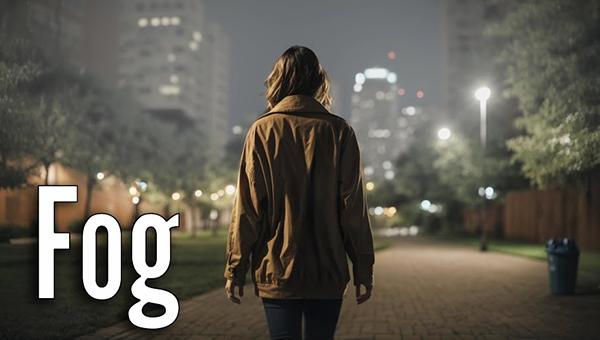
We typically strive for photos with precise sharpness, vibrance, and impressive color balance when shooting outdoors. But in this tutorial from one of our favorite instructors you'll learn why and how a subdued foggy effect can draw attention by conveying an ethereal, atmospheric mood.