Things were tough for photographers during the Stone Age. No camera bags; no photo backpacks, either. Some citizens were so starved for visual stimulation that they resorted to painting stick figures on the walls inside their caves, or building granite astronomical clocks. Others just bided their time, waiting to evolve. [This story originally appeared in 2018 and has been updated to purge the fibs. Mostly. — Ed. ]
Let's pretend for a moment that you own the best gear money can buy and you've spent years refining both technical skills and artistic vision. Under these circumstances it's reasonable to expect a high percentages of portfolio-worthy results.
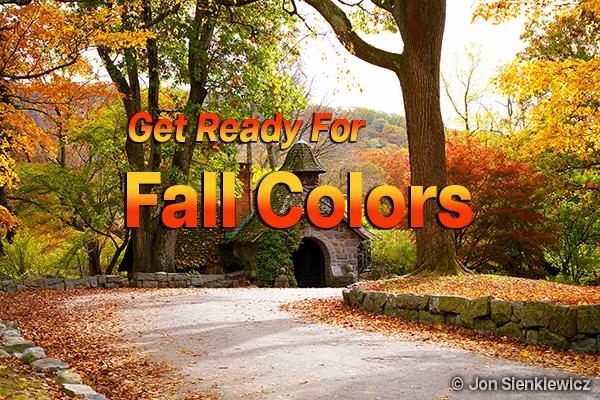
See the ladies paint their faces and prepare for their final performance. They blush as you watch them audition their most brilliant colors before fading to brown with a sigh that only the birds hear. The crisp autumn air deepens their beauty but loosens their grip as, one by one, they drift back to the ground from whence they came.
Everyone is a photographer when Mother Nature presents her magical fall foliage fireworks pageant. Who can pass a tree emblazoned with orange and crimson leaves without snapping a pic? Now is the time to get your gear in order, make your travel plans, and otherwise prepare to capture the best show the earth can offer.
The quick how-to video below from Photography Together will prove to be a real gamechanger the next time you decide to clean your library, culling duplicates and those that didn't meet expectations. This new instructional YouTube channel is quickly gaining attention for its beginner-friendly post-processing tutorials.
Lightroom features a variety of simple sliders that are designed to streamline the image-editing process for beginners and more experienced users alike. When used properly these straightforward tools are a big help for balancing exposure, color, contrast and saturation so that your edits appear natural and intentional.
Unless you're absolutely new to photography you likely know that the f/stop you choose has a big impact on every photo you capture whether it's a landscape, street scene, wildlife image, or portrait. But do you really understand how this works and how to choose the appropriate aperture setting for the specific task at hand?
Most photographers understand the benefits of the Raw File format but still prefer shooting Jpegs instead for a variety of reasons. Maybe you don't want to spend time with a Raw converter and making the necessary edits, lack the necessary storage for the much larger Raw files, or primarily share your images on social media where Jpegs are all you really need.
Peak Design just introduced a trio of professional tripods, co-developed with Nat Geo photographer and Emmy Award-winning filmmaker Jimmy Chin. Shutterbug was loaned a sample several weeks before their crowdfunding event concluded. Here's our hands-on review along with a crisp unmasking of the scurrilous tripod hobgoblins referenced in the title.
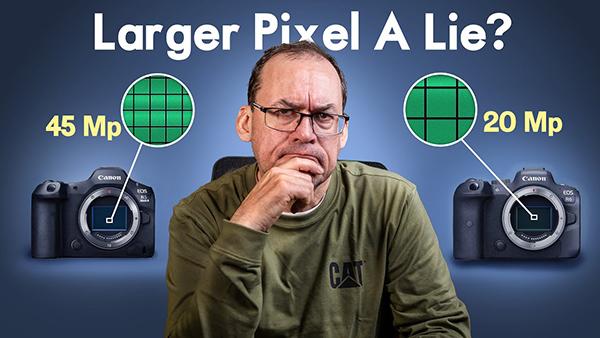
You've all heard the chatter that cameras with larger pixels deliver better image quality than those with smaller pixels, and probably wondered if this is really true and exactly how it works. The video below from one of our favorite outdoor photographers reveals what he says is the truth about this contentious matter.
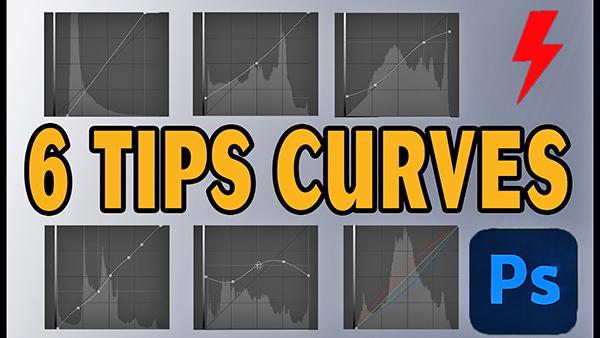
Photoshop's easy-to-use Curves tools are beginner-friendly and very effective for perfecting exposure, color grading, and much more. Today's very helpful primer reveals six special Curves tricks that will transform your images in minutes.