


- REVIEWS
Camera Reviews 
More Reviews Mobile Reviews Photography Reviews - GALLERIES
- VIDEOS
- BUYER'S GUIDES

George Schaub
|
Sep 06, 2012 |
First Published: Aug 01, 2012
|
Sep 05, 2012 |
First Published: Aug 01, 2012
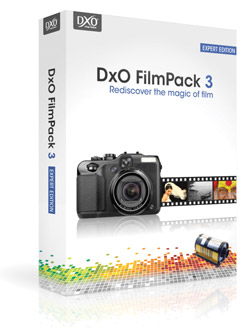 The question is—does anybody really know what a given image would look like if they shot it on Kodachrome 25, or Fuji Acros, or some obscure color negative film that even in film’s heyday was little used or appreciated? Perhaps the more pertinent question is—how many people have made photographs using film? But film references are what a number of so-called film emulation software programs use for describing presets that can be applied to a digital image. Half academic and half nostalgic, the programs use film brand names to describe saturation, contrast, color nuance, and grain structure variations that are then applied to an image. Perhaps using film names is better than poetic fantasy terms, like “misty blue dawn,” but then again entirely subjective descriptors, rather than supposedly clinical ones used in these software programs, might be just as handy for today’s photography crowd. In any case, I recently tested one such program, DxO’s FilmPack 3.1, to see if it offered up creative variations that could be used as is or as foundation images when interpreting subjects and scenes.
|
Aug 15, 2012 |
First Published: Jul 01, 2012
|
Aug 15, 2012 |
First Published: Jul 01, 2012
|
Jul 31, 2012 |
First Published: Jun 01, 2012
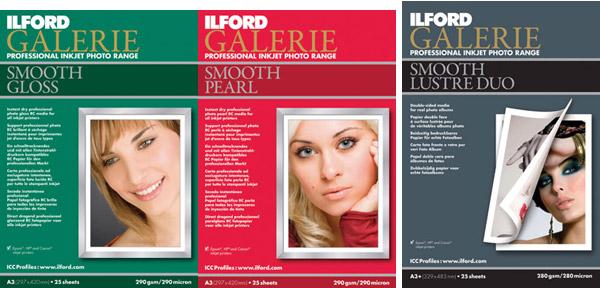
 Having worked with numerous types and brands of “metallic” surface papers I have some expectations as to what they can deliver. Metallic is a bit of a misnomer as these papers have a glossy surface on a paper (here acid-free) base with an opalescent sheen diffused throughout the emulsion coating. This gives a spark and edge to a print that glossy shares, but there is an extra kick in the paper surface that works quite well with some images, and not so well with others. It is a particular choice, one that should be part of your printing arsenal but hardly dominated by it.
|
Jul 18, 2012

|
Jul 18, 2012 |
First Published: Jun 01, 2012

|
Jul 06, 2012 |
First Published: Jun 01, 2012
|
Jul 06, 2012 |
First Published: Jun 01, 2012
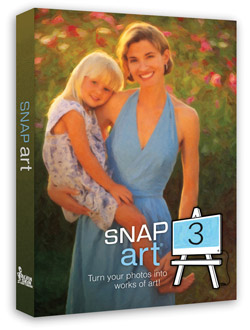 Alien Skin’s Snap Art 3 ($199, or $99 for an upgrade from previous versions) is the latest manifestation of image-altering software that works atop the architecture of Photoshop and Lightroom, that is, a plug-in accessible through the Filters menu in Photoshop and for Lightroom as an external editor.
Pages
 FEATURED VIDEO
PHOTO OF THE DAY

Today’s photo is Shake Out by Linn Smith
eNEWSLETTER SIGNUP

Get the Latest Photo Tips, News & Reviews from Shutterbug!






| Camera Reviews Other Reviews | |
Mobile Reviews Photography Reviews Columns | |
News | |
Features | |
How-To | |
Resources |
 © 2026 Shutterbug
AVTech Media Americas Inc., USA
All rights reserved