There's no better way to elevate your skills than by watching an acclaimed pro demonstrate the shooting and image-editing techniques that contribute to his success. In this episode French photographer Serge Ramelli walks you through what he says are, "eight Lightroom tips that will change your life."
Take a close look at the landscape photographs you admire most and you'll likely discern a powerful common denominator; namely, a thoughtful attention-grabbing "depth range." The video below from Andy Hutchinson describes this oft-ignored concept and demonstrates how to create the effect during post processing.
Today's step-by-step Lightroom post-processing guide from the PHLOG Photography YouTube channel reveals a simple and effective method for creating eye-catching nature and landscape photos by accentuating foreground elements in an image. The straightforward technique works wonders for drawing viewers into a scene, balancing exposure and color, and improving the impact of composition.
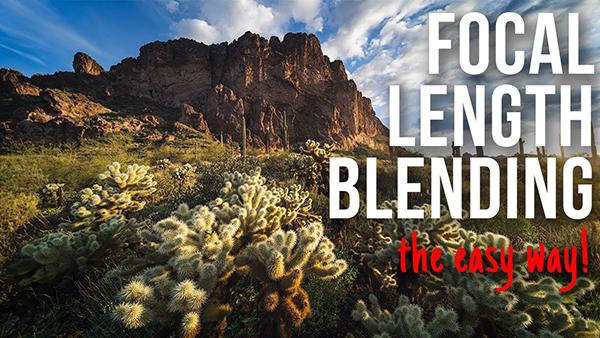
Experienced landscape photographers often use a technique known as "focal-length blending" to create interesting wide-angle compositions. In this 12-minute tutorial you'll learn how easy it is to get the job done—both in the field and in Photoshop.
If you're looking for a way to transform flat landscape photos into spectacular images that almost appear three-dimensional, today's Lightroom tutorial from the PHLOG Photography YouTube channel will quickly get you where you want to be. In barely 15 minutes you'll learn how to apply simple masks to add depth and dimension to all your outdoor photos, while retaining a realistic Look.
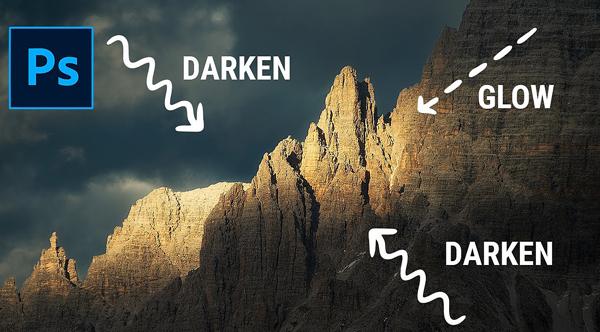
Photography is all about light, and the challenge doesn’t end with achieving a correct exposure in the camera. This is particularly true when shooting outdoors under less-than-ideal lighting conditions.
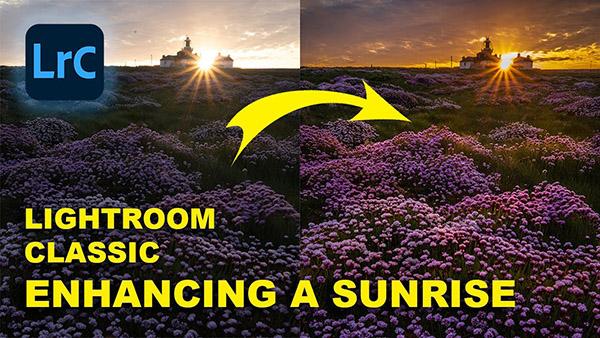
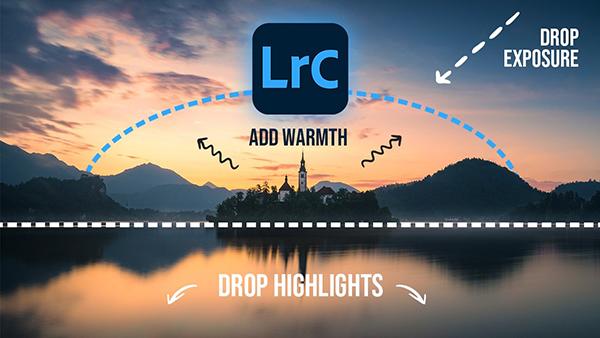
Sunrises and sunsets are among the most popular scenes captured by photographers, and they present a few challenges for arriving at correct focus and exposure. One factor is the unusual light that occurs just before the sun peaks over the horizon in the morning, or when it drops out of view at dusk.
Everyone has a unique approach to editing his or her photos. Some techniques work great, while others not so much. In the tutorial below, one of our favorite outdoor photographers details the specific workflow he uses to process his gorgeous images.
British pro Nigel Danson is one of our favorite outdoor photographers and image-editing instructors. So when he claims to have discovered a “secret” Lightroom tool he now uses to process every image he shoots, we stop and pay attention. And you should too.
It's time to ignore the harsh weather, grab your warmest jacket and winter boots, and head out for a day of photographing the beautiful snowy landscape. Then return home, pull your images up on the computer, and make use of today's Photoshop tutorial to accurately convey the splendor of the winter wonderland.
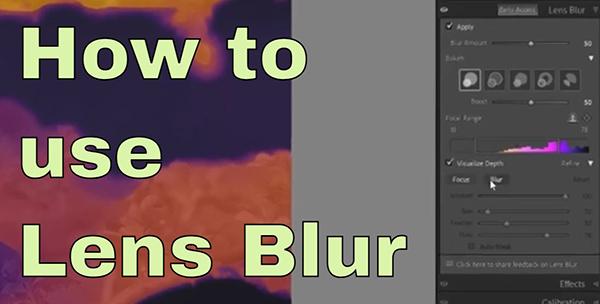
A firm understanding of how to blur portions of an image is essential if you want to create nature photos with maximum impact in which the key subject really stands out from other areas within the frame. This seven-minute tutorial from the Birdman Photography YouTube channel explains an easy Lightroom technique for getting the job done.
We’re going to let you in on a big secret in today’s Photoshop tutorial; namely the “secret to eye-catching foregrounds” when editing travel, nature, and landscape images.
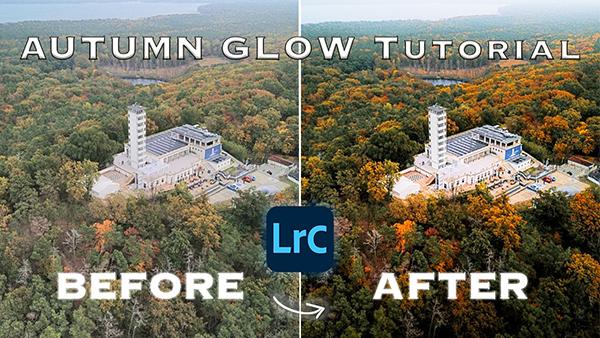
Autumn is the favorite time of year for many experienced outdoor photographers because of the spectacular colors that paint the landscape. Unfortunately, our results sometimes fall short of expectations, and when they do it's easy to transform an OK image into a great one with a little help from Lightroom.
We've all had the misfortune of traveling to a promising location, only to be confronted with bad light that's guaranteed to result in flat, boring photos. Under this situation you have two choices; return on a better day or do the best you can and see what you can accomplish when processing your shots.
If you're looking for a post-processing technique that will take your landscape photos to the next level, this Lightroom tutorial from the PHLOG Photography YouTube channel is exactly what you need. You'll learn how to create "magical light" and introduce vibrant colors so that your images seem to jump off the screen.