News

Sort By:  Post Date TitlePublish Date
Ron Leach  |  May 02, 2023

All good photographers strive to make images that stand out from the crowd, whether they shoot landscapes, sports, wildlife, or another genre. And the best way to do that is by developing a unique (and hopefully recognizable) style you can call your own.

Ron Leach  |  May 02, 2023

Today we’re bringing you the latest installment of a very popular Lightroom Masterclass series from the PHLOG Photography YouTube channel. Each episode covers the basics of a single, important task for photographers of all skills levels.

Ron Leach  |  May 02, 2023

Luminar Neo is rapidly gaining popularity as a full-featured alternative to Photoshop and Lightroom. It’s affordable, has a myriad of powerful tools, and is easy to use thanks to its intuitive interface,

Jon Sienkiewicz  |  May 02, 2023

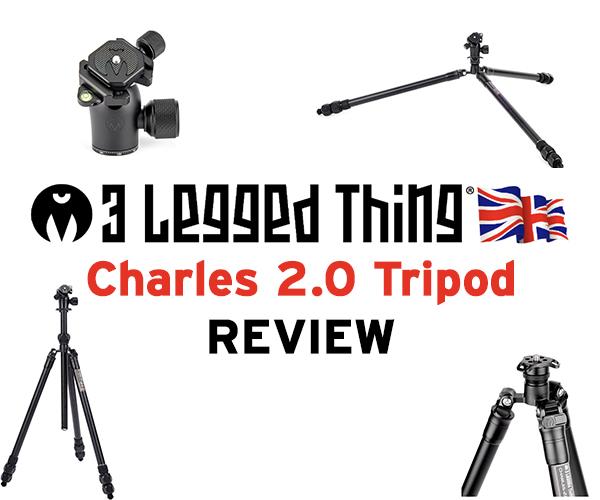
3 Legged Thing (3LT) just announced the Charles 2.0, a new, more budget-friendly tripod in their Pro Range lineup, and Shutterbug had a chance to evaluate a sample for several weeks prior to introduction.

Ron Leach  |  May 01, 2023

There’s nothing wrong with being a beginner because, let’s face it, all great photographers have been there. But here’s the deal: You needn’t make unavoidable mistakes that prove your novice status to the world.

Ron Leach  |  Apr 29, 2023

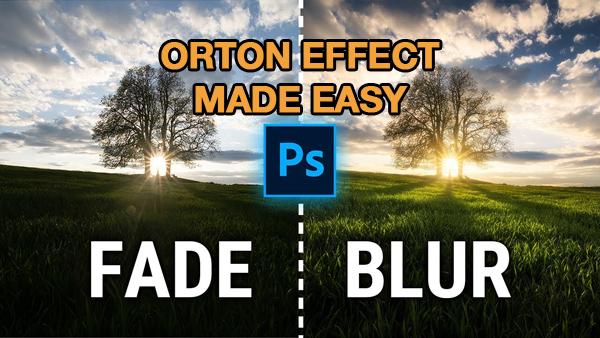
The Orton Glow effect is popular among landscape photographers for giving images a dreamy, ethereal look that really stands out from the crowd. There are a number of ways to get the job done—some more complicated than others.

Jon Sienkiewicz  |  Apr 28, 2023

You’ve probably seen dramatic waterdrop images like this one and sensibly assumed that it took years of experience and thousands of dollars in equipment to get similar results. Frequent Shutterbug Photo of the Day contributor and long-time photography professional Jeff Van Scoyk introduced us to the Miops Splash, the $150 photo accessory for controllable waterdrop photography.

Ron Leach  |  Apr 28, 2023

There’s a vast array of plugins from third-party vendors for augmenting the capabilities of whatever image-editing software you use. In the tutorial below you’ll discover what one expert calls “the best” choice for both Lightroom and Photoshop.

Ron Leach  |  Apr 27, 2023

Lightroom Classic includes a selection of interesting built-in presets allowing you to quickly achieve a variety of effects. You can also purchase a wide array of others from outside sources and easily install them within Lightroom’s Develop Module.

Ron Leach  |  Apr 27, 2023

Earlier this week we featured an easy five-minute fix for poorly exposed photos using Layer Masks in Lightroom. But that simple task provided just a taste of what these powerful tools can do.

Ron Leach  |  Apr 26, 2023

Many of use would love to pursue a career as a professional photographer, but lack the necessary skills, means, experience and gear to make that dream a reality. But that doesn’t mean we can’t aspire to create pro-quality images.

Ron Leach  |  Apr 26, 2023

Right about now you’re probably saying to yourself, “No experienced landscape photographer would be out on the field shooting with a smartphone.” And with a few exceptions you’d be right—unless the camera’s battery died and there’s nary a spare in sight.

Ron Leach  |  Apr 26, 2023

It’s not uncommon for photographers to adopt a “set-it-and-forget it” mentality when configuring their cameras, thereby ending up with photographs that aren’t as good as possible. Whether you call this habit lazy or uninformed, there are times when the choice of a custom setting results in more creative images.

Ron Leach  |  Apr 25, 2023

Photographing our feathered friends can be difficult for those new to the game, and editing the results can be equally challenging if you’re not confident about your post-processing skills. If your past results are disappointing, the tutorial below will be a big help.

Ron Leach  |  Apr 25, 2023

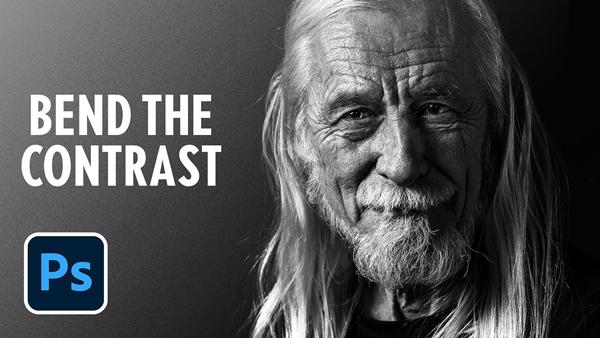
There are numerous ways to edit b&w images depending upon the look you’re trying to create. Sometimes the goal is a soft, moody effect, while other times you want a photo to jump off the page. The tutorial below is geared toward the latter, explaining how to use two “hidden” Photoshop filters for achieving eye-popping results.

Pages

X