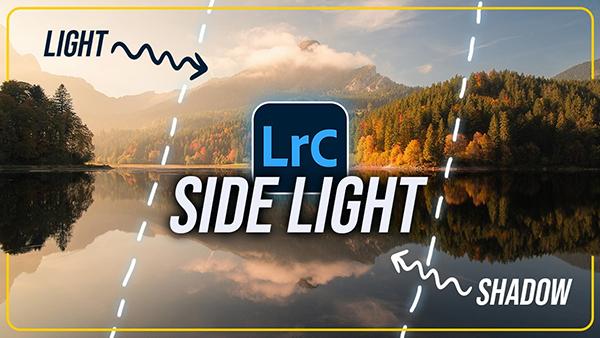
Today's post-processing tutorial from the PHLOG Photography YouTube channel. illustrates a powerful Lightroom workflow that's guaranteed to transform how-hum landscapes into spectacular images that simply can't be ignored.
We've all suffered the disappointment of capturing what we thought was a spectacular photograph, only to return home, pull it up on the computer, and discover that the image is painfully soft. Maybe the problem was camera or subject movement, incorrect camera settings, or some other mistake, and other times we can't even identify the culprit.
We often turn to the globally popular Photoshop Training Channel (PTC) for practical advice on late-breaking Adobe updates and new or upgraded tools. While some of the latter may seem incidental, they can actually have a huge impact on how you go about processing your work.
Are you one of those inexperienced Photoshop users who avoid taking advantage of Blend Modes because you feel that your rudimentary skills aren't up to the task? We'll forgive this common misconception because, after all, there are 27 Blend Modes from which to choose. And that sounds quite complicated.
We'd all love to make better photographs with the gear we already own. It turns out that one of favorite instructors is a strong proponent of five daily habits that he says will instantly boost your skills without spending a dime.
What if we told you there's a common post-processing mistake that one pro call "massive" that may be spoiling your photos? You may not realize that this error is responsible for unrealistic photos, even though it's super easy to fix.
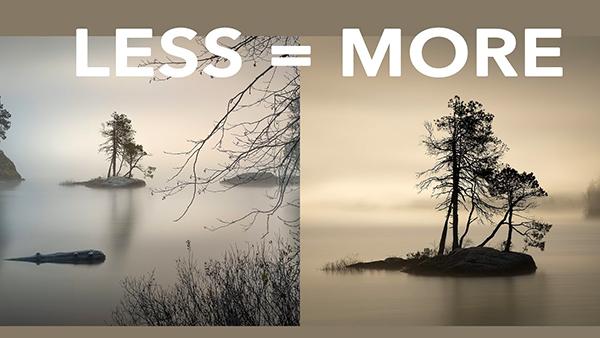
One big challenge when shooting in in the field is understanding how to make sense out of chaos when confronting complicated scenes. Today's eye-opening tutorial takes this approach to the extreme by exploring the power of minimalist photography.
Here's a quick-and easy explanation of color theory from the Photoshop Together YouTube channel, with a specific focus on a transformative yet oft-ignored tool that enables you to significantly boost the impact of all sorts of photographs that don't quite make the grade.
Have you ever spoiled an otherwise great shot by clipping highlights on a sunlit wildlife subject? Maybe a bright white bird is blown out and totally devoid of detail, or perhaps it's just the wings that are grossly overexposed.
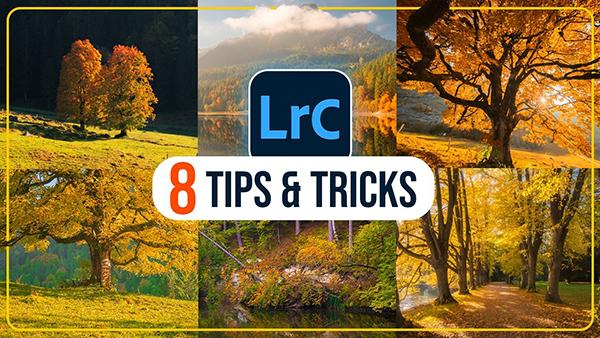
Autumn is a favorite season among experienced outdoor shooters who understand the impact of beautiful light, color separation, dramatic skies, and the gorgeous warm tones that paint the landscape. Today's tutorial from the popular PHLOG Photography YouTube channel provides eight Lightroom tips and tricks that even beginners can use to enhance their imagery in a big way.