


- REVIEWS
Camera Reviews 
More Reviews Mobile Reviews Photography Reviews - GALLERIES
- VIDEOS
- BUYER'S GUIDES

John Brandon
 With each successive release of ACDSee Pro, the photo management suite adds ever-more-powerful features. In this review I hope to help you decide whether or not its features match up with your own workflow, meet your needs, or even improve on existing features to enhance your photographic creations.
 Adobe Photoshop Elements 10 caters to the entry-level crowd, but is imbued with several professional-level tools. Even when a feature is not really intended for serious photographers, there is a goldmine of functionality that could save countless hours. The app is celebrating 10 years on the market. Adobe has slowly revised the workflow, and it’s getting much better.
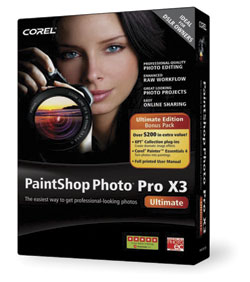 For years, anyone serious about photography has viewed Corel Paint Shop Pro (PSP) as the low cost alternative to Adobe Photoshop. Originally developed by a tiny company in Eden Prairie, Minnesota, Paint Shop has grown up into a full-featured photo workflow tool with a built-in photo organizer that includes tagging options and fast previewing, an advanced image editor, and handy integration with Flickr and Facebook.
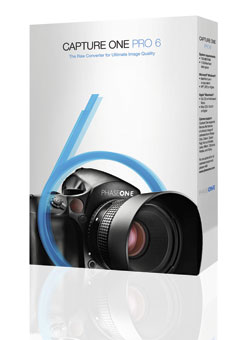 For serious photographers, the software you choose for a photographic workflow falls into good, better, and best buckets. The “good” bucket includes fairly mundane tools for basic image management, while “better” goes the extra step of providing image correction options and filters. The “best” tools provide tethered-shot features and robust metadata editing functions. At these upper ranks, the best software seems to predict your every move, mostly because the software developers are photo enthusiasts and understand real photographic needs.



Pages
 FEATURED VIDEO
PHOTO OF THE DAY


Today’s photo is Fun with sliders by Jeff Van Scoyk
eNEWSLETTER SIGNUP

Get the Latest Photo Tips, News & Reviews from Shutterbug!






| Camera Reviews Other Reviews | |
Mobile Reviews Photography Reviews Columns | |
News | |
Features | |
How-To | |
Resources |
 © 2024 Shutterbug
AVTech Media Americas Inc., USA
All rights reserved